Local copilot for VScode hosted on Intel ARC GPU
🚀 My Private "Claude 4.5" Copilot: Local AI Agent on Intel Arc (2026)
I wanted the elite reasoning of Claude 4.5/5 but without the cloud subscriptions or privacy risks. With an Intel Arc A770 (16GB), I successfully built a private, agentic coding partner. This guide covers how I bypassed "dependency hell," optimized my VRAM, and turned VS Code into a local AI powerhouse.
🏗️ 1. The Architectural Strategy
To make a 30B model run on a 16GB card, I had to avoid standard bloated stacks. I chose the IPEX-LLM C++ Backend to run GGUF models directly on the hardware.
flowchart LR
    subgraph "VS Code (Local Machine)"
        A[Continue Ext] -->|Autocomplete/Chat| B[Net/SSH]
    end

    subgraph "Intel GPU Server (Remote Machine)"
        B -->|HTTP
        Request| C[llama-server]
        C -->|IPEX-LLM C++
        Backend| D[Intel oneAPI
        / Level Zero]
        D -->|Hardware
        Acceleration| E[Intel Arc GPU
        16GB]
        E -->|Model
        Weights| F[Qwen3-30B-A3B-IQ3_XXS]
    end
Why this works:
- The Model: I chose Qwen3-30B-A3B. It’s an MoE (Mixture-of-Experts) model. It has 30B parameters for deep reasoning but only activates 3.3B for speed, making it feel like a tiny model while thinking like a giant.
- The Quantization: I used IQ3_XXS. It compresses the model to ~13GB, leaving a 3GB "buffer" on my 16GB card for my code context (KV Cache).
- Reference: IPEX-LLM GGUF Quickstart Guide
🛠️ 2. The Engine Room: Installation
I skipped the standard PyTorch-based ipex-llm[xpu] because it relies on legacy torch versions that cause unresolvable conflicts in 2026. The C++ backend is cleaner.
A. Prerequisites
- Visual Studio 2022/2026: Download here. Include the "Desktop development with C++" workload.
- Intel oneAPI Base Toolkit 2025.0: Download here. Required for GPU kernels.
- Intel GPU Drivers: Ensure you have the latest Arc Drivers installed.
B. Environment Setup
Open a Miniforge/Conda Prompt (Avoid PowerShell for this step):
:: 1. Create a clean environment
conda create -n ipex-cpp python=3.11 libuv -y
conda activate ipex-cpp

:: 2. Install IPEX-LLM C++ Support
pip install --pre --upgrade ipex-llm[cpp]
C. Build & Linking (Run as Administrator)
The C++ backend needs to create symbolic links for the server executables.
:: Right-click terminal -> Run as Administrator
conda activate ipex-cpp
init-llama-cpp.bat
Note: If you cannot install VS, use the Portable Zip Release for pre-built binaries.
⚡ Quick Start (Portable Version)
- Download and extract the Portable Zip.
- Open a standard
cmd(Command Prompt).- Navigate to the extracted folder:
cd /d C:\path\to\extracted_folder.- Run the Success Formula command (Step 3) directly from this folder.
🚀 3. Serving the Model (The Success Formula)
Managing the 16GB VRAM "budget" was the biggest challenge. Using larger quants like Q4_K_M (18GB) forces data into slow System RAM, causing 503 errors.
pie title VRAM Allocation (16GB Total)
    "Model Weights (Qwen3-30B-IQ3_XXS)" : 13.0
    "Context (KV Cache - 8k)" : 1.5
    "Windows OS / Overhead" : 1.0
    "Free Buffer (Safety)" : 0.5
Model downloads
You can download a matching GGUF build here (verify license and integrity before use):
If you prefer other hubs, search Hugging Face or CivitAI for Qwen3 builds and prefer verified or official releases.
The Run Command
Run this in a standard CMD window after initializing setvars:
:: Initialize Intel environment
call "C:\Program Files (x86)\Intel\oneAPI\setvars.bat"

:: Launch with 8k context and parallel processing
llama-server.exe --model Qwen3-Coder-30B-IQ3_XXS.gguf --n-gpu-layers 99 --ctx-size 8192 --parallel 2 --no-warmup
Notes on parameters:
--parallel 2: Allows Ghost Text Autocomplete suggestions even while I'm in a Chat.--ctx-size 8192: The optimal context window for 16GB cards.--no-warmup: Prevents OOM crashes during startup.
💻 4. Agentic VS Code Integration
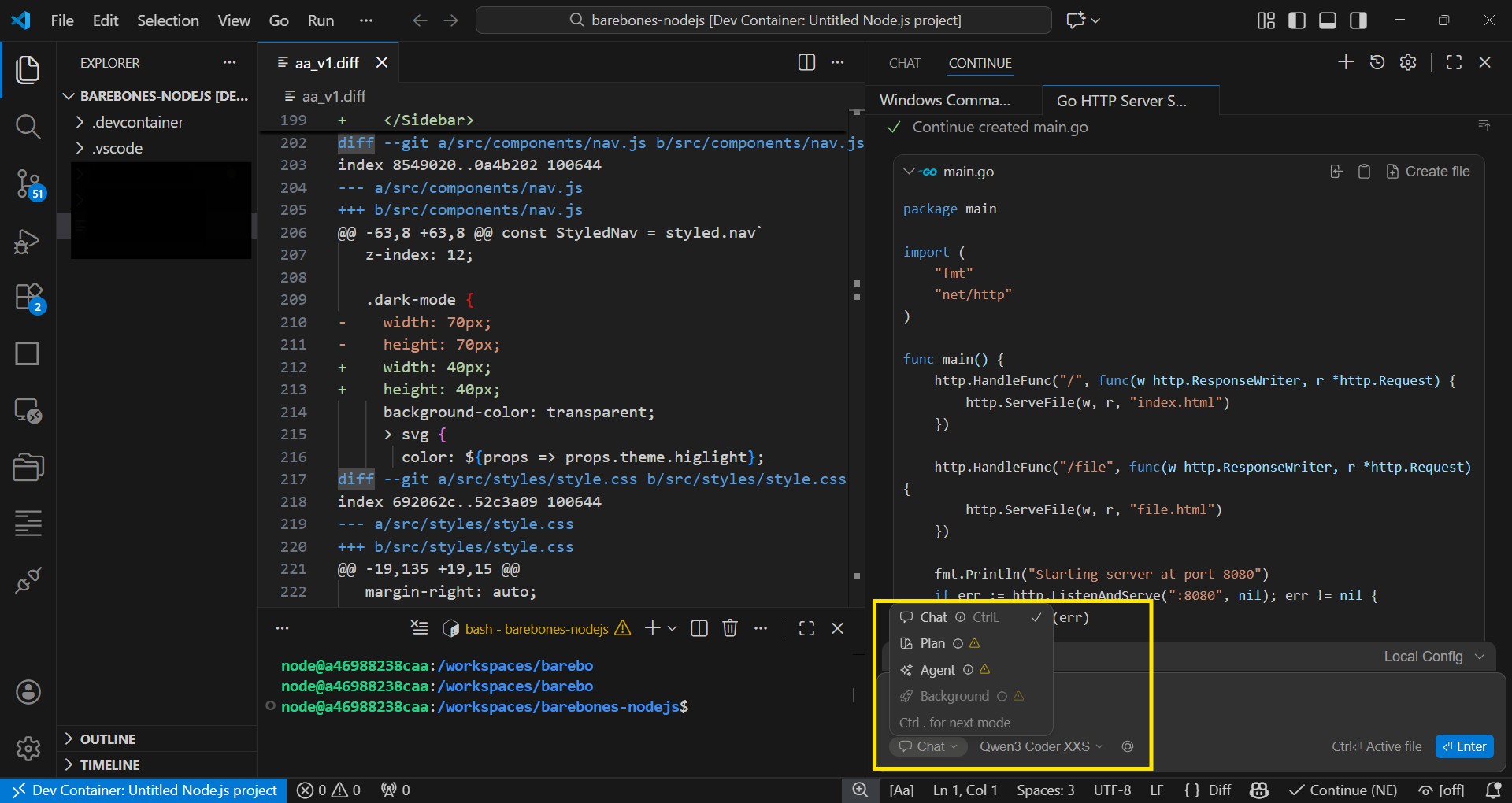
I connected my server to the Continue extension. By enabling Codebase Indexing, my local model turned into a true agent.
sequenceDiagram
    participant U as User (Typing)
    participant C as Continue Extension
    participant S as Intel GPU Server
    U->>C: Types code...
    C->>S: Request Autocomplete (Port 8000)
    S-->>C: Returns Ghost Text (Instant 3.3B Active)
    C->>U: Displays Suggestion
    U->>C: "@Codebase Refactor this" (Ctrl+L)
    C->>S: Request Chat (Port 8000)
    S-->>S: Thinking <think> (Full 30B Reasoning)
    S-->>C: Returns Code & File Changes
    C->>U: Offers [Apply] to Workspace
Config.yaml
Update your config.yaml of continue extension (usually in ~/.continue/config.yaml):
Ref: config reference
name: Local Config
version: 1.0.0
schema: v1
models:
  - name: "Qwen3 Coder XXS"
    provider: openai
    model: "qwen3-coder-30b"
    apiBase: "http://REMOTE_IP:8000/v1"
    apiKey: "EMPTY"
    contextLength: 8192
    systemMessage: "You are an expert software engineer. Think step-by-step using <think> tags before writing code."
    roles:
      - chat
      - edit
      - apply
      - autocomplete
      - rerank

context:
  - provider: tree
  - provider: repo-map
  - provider: currentFile
  - provider: terminal
  - provider: diff
  - provider: open
    params:
      onlyPinned: true
  - provider: clipboard
  - provider: codebase
    params:
      nRetrieve: 25
      nFinal: 3

contextSelection:
  defaultContext:
    - provider: "codebase"

contextProviders:
  - name: "codebase"
    params:
      nRetrieve: 25 # How many code snippets to send to the 30B model
      nSkip: 0
Note: Codebase is deprecated now, can use
@treecontext for workspace mapping
⚠️ 5. Troubleshooting & Notes
| Issue | Cause | Fix |
|---|---|---|
"call" is not recognized | Using PowerShell. | Type cmd first to switch to Command Prompt. |
| Code 39: Out of Memory | Model + Context > 16GB. | Use IQ3_XXS quantization. Reduce --ctx-size. |
| 503 Service Unavailable | VRAM spilled to slow System RAM. | Lower --n-gpu-layers to 44 or use a lighter model. |
| Invalid Argument: --host | Used llama-cli.exe. | Use llama-server.exe for network/API serving. |
Why I didn't use...
- ipex-vllm / vLLM: High VRAM overhead and Linux-centric; unstable on 16GB Windows.
- Ollama: Lacks the granular parallel-request tuning needed for heavy 30B models on Arc.
- NPU/VPU: Great for low power, but insufficient bandwidth for "Claude-level" 30B reasoning speeds.
TL;DR...
ipex-vllm / vLLM
- The Issue: vLLM is designed for Linux-centric data centers and uses a PagedAttention mechanism that consumes massive amounts of VRAM.
- TL;DR: On 16GB Windows setups, it is unstable and often fails to leave enough memory for the OS, causing system-wide freezes.
Ollama
- The Issue: Ollama is excellent for general use but abstracts away granular controls. Running a heavy 30B model on an Arc GPU requires manual tuning of parallel request slots and KV cache quantization.
- TL;DR: Using raw
llama-server(IPEX-cpp) lets me set--parallel 2and--ctx-sizespecifically to avoid hitting the 16GB VRAM "crash wall."
NPU / VPU (Integrated NPUs)
- The Issue: As of early 2026, dedicated NPUs are great for low-power background tasks but lack the memory bandwidth needed for high-speed LLM inference.
- TL;DR: An Arc GPU has 10x the bandwidth of current NPUs, making the difference between 2 tokens/sec and 50 tokens/sec.